This guide walks you through your first request. You only need a NexusAPI account and available credit.
The shortest pathPurchase credit → Create an API key → Copy a model ID from the Model Marketplace → Send a test request

1. Purchase credit

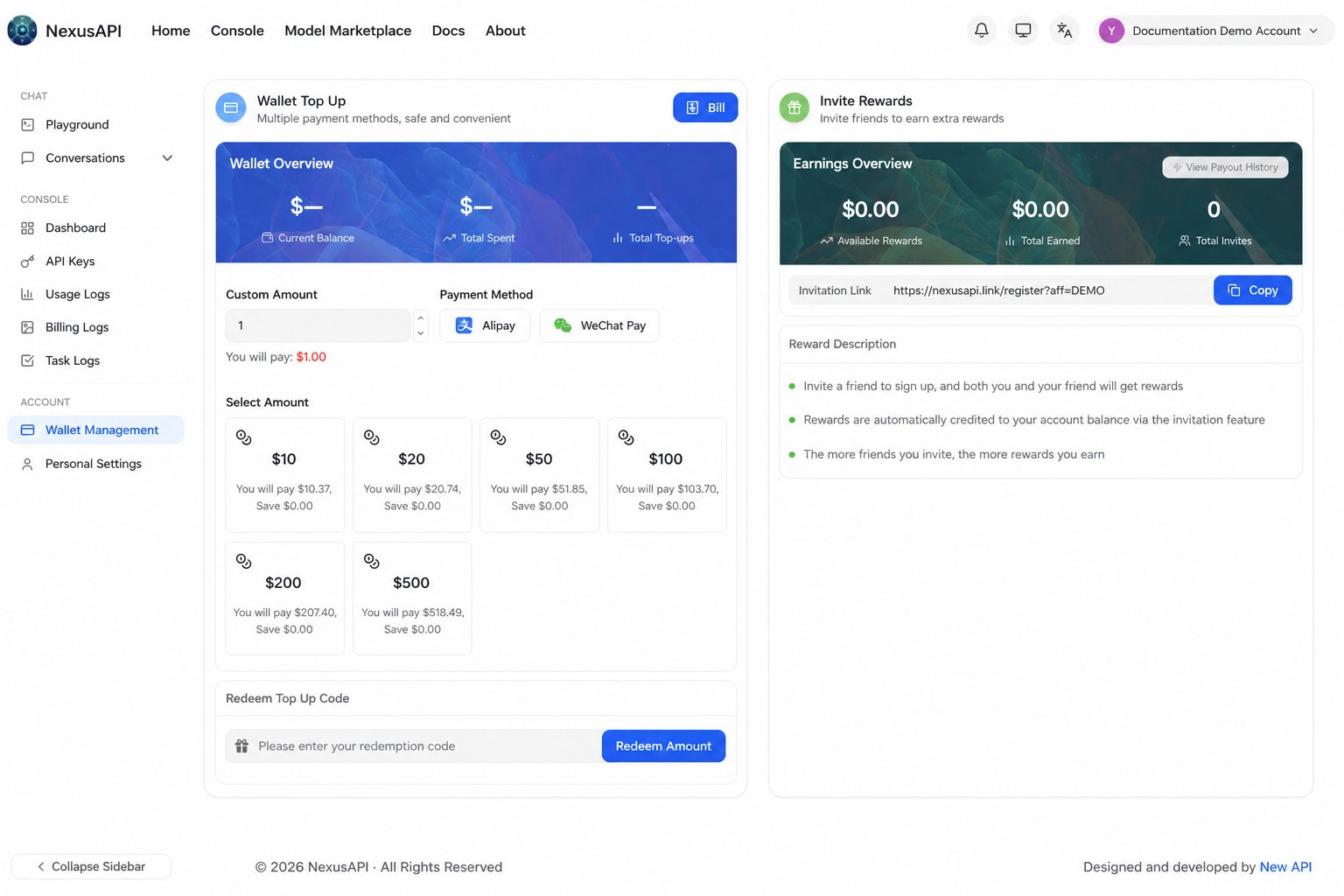
Sign in to the console, then use Wallet Management to top up online. NexusAPI Wallet Management and online top-up page
2. Create an API key

  1. Open Token Management in the console.
  2. Select Add token.
  3. Enter a recognizable name, such as codex-work.
  4. Select a group that includes the model you want to use.
  5. Set an appropriate limit for the use case, then submit.
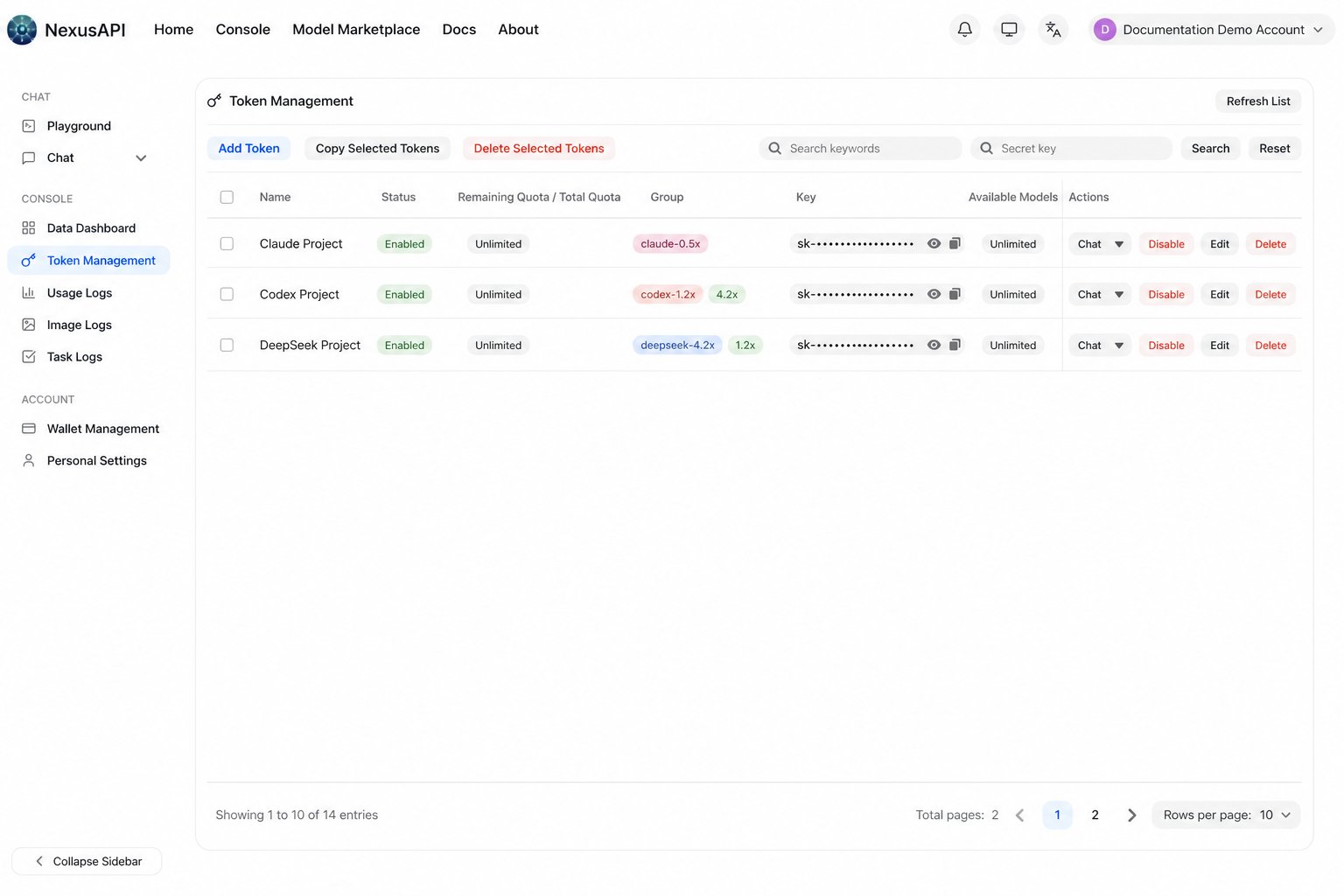
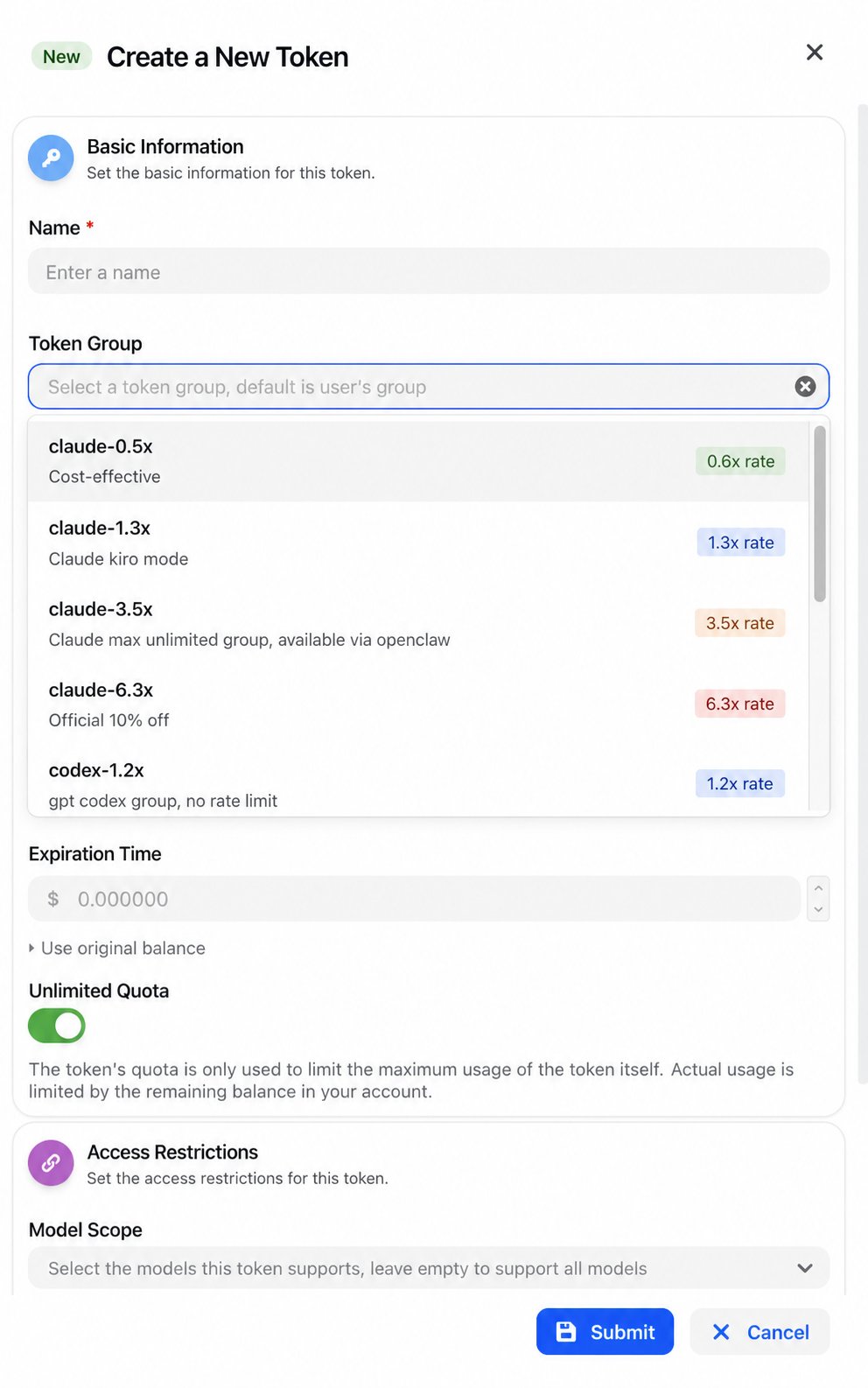
NexusAPI Token Management page with keys and account data masked NexusAPI Create Token panel
Keep your API key privateAn API key is used only for authentication. Do not put it in public repositories, screenshots, or chat logs. Use separate keys for separate projects.

3. Configure the API

Prepare these three values:

4. Send a test request

The following example uses the OpenAI Chat Completions format. Replace YOUR_API_KEY and YOUR_MODEL_ID:
If the JSON response includes choices and a reply, your basic integration is working.
Client URLs can be differentSome clients automatically append /v1 or a request path. When configuring Claude Code, Codex CLI, or another client, follow its dedicated tool guide instead of copying this URL mechanically.

Next steps