
Model Marketplace
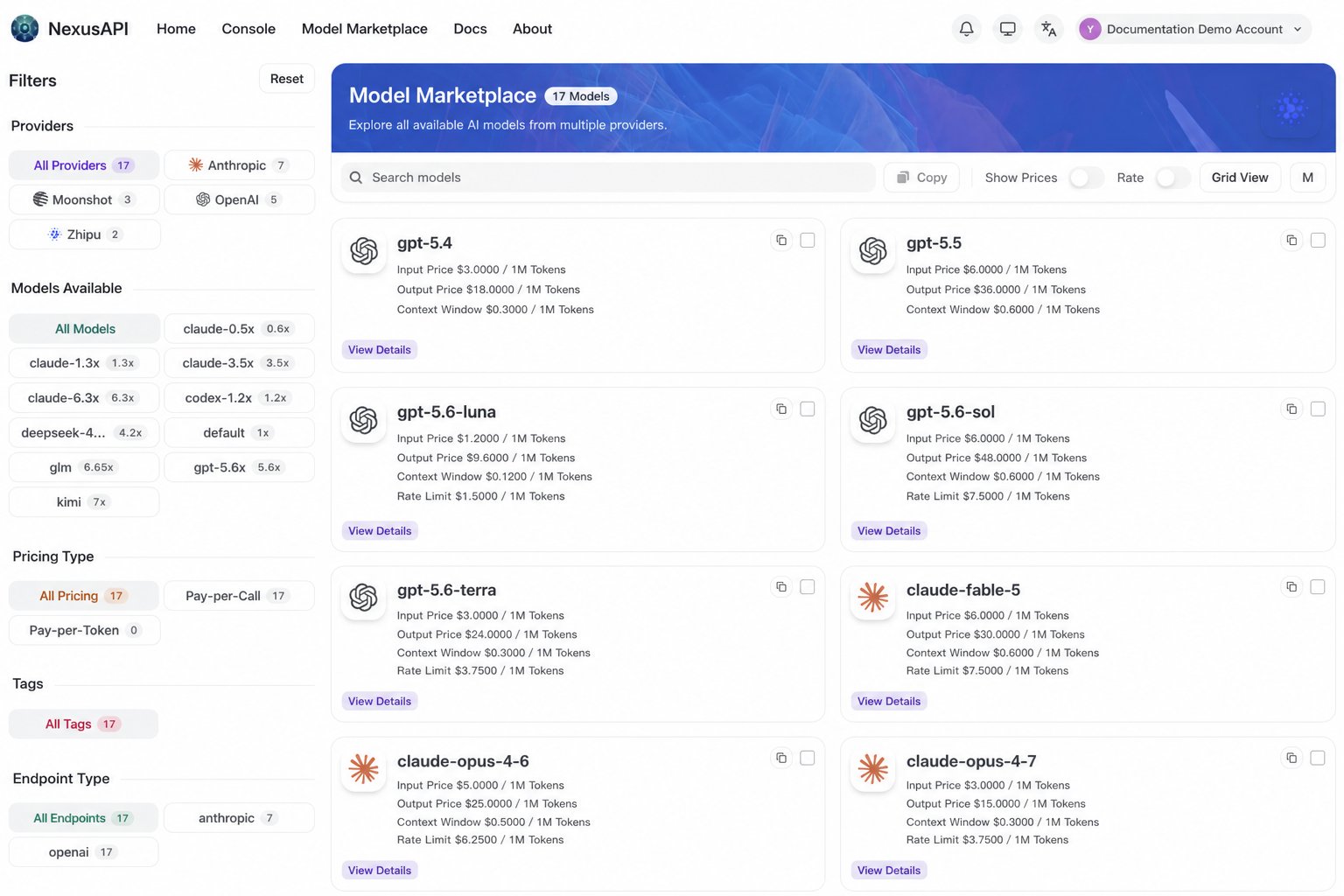
Use the Model Marketplace in the console to see current models, prices, and token-group availability:- Sign in to the NexusAPI console, then open the Model Marketplace.
- Filter by model provider and available token group.
- Review the model ID, price, description, and supported endpoint types for that group.
Choose the right token group
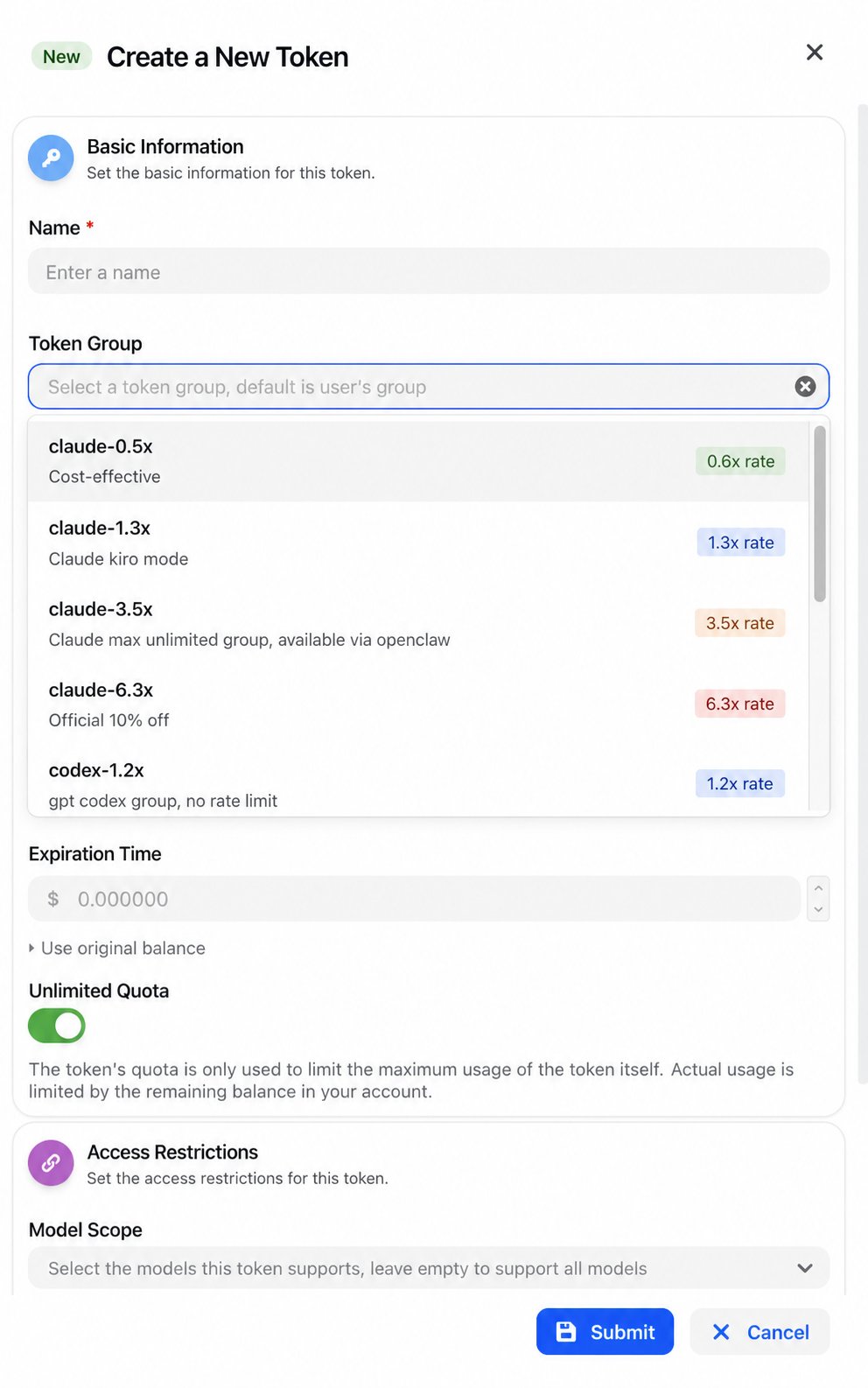
The token group selected when you create a key determines which models and prices the key can use.- A model can appear in more than one group; choose by the target model, not only by the group name.
- Filter the Model Marketplace by the group and confirm the exact model ID.
- If one project needs different classes of models, separate API keys make limits and reconciliation easier.
What makes up a charge
- Text models: input tokens, output tokens, and cache-related usage can be priced separately.
- Image models: size, quality, quantity, and model-specific options can affect the charge.
- Audio, video, and task models: a charge can depend on duration, task type, or an upstream billing unit.
Check usage
- View each request in the console usage log.
- Read usage and billing for field meanings, cache usage, and error records.